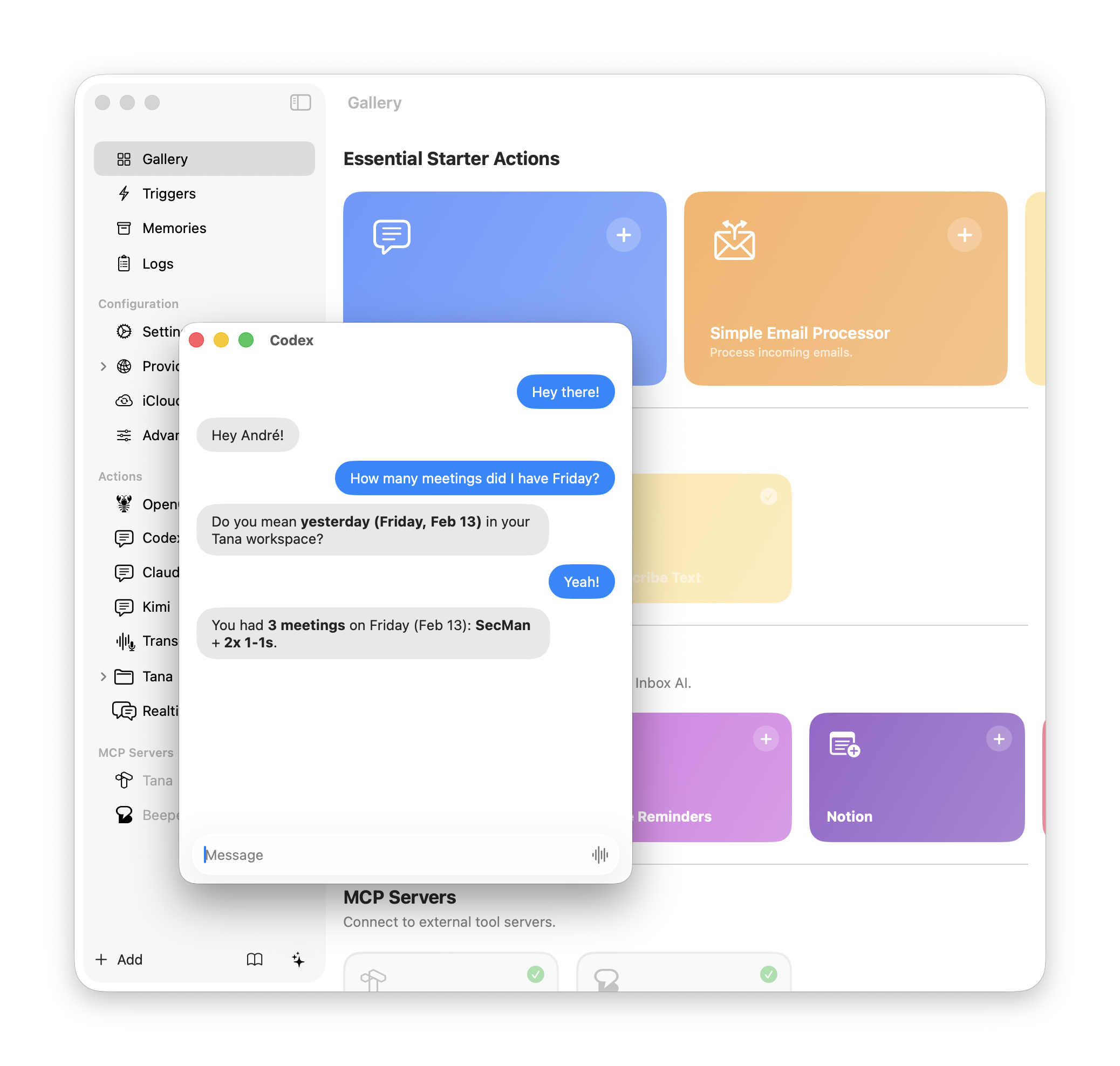
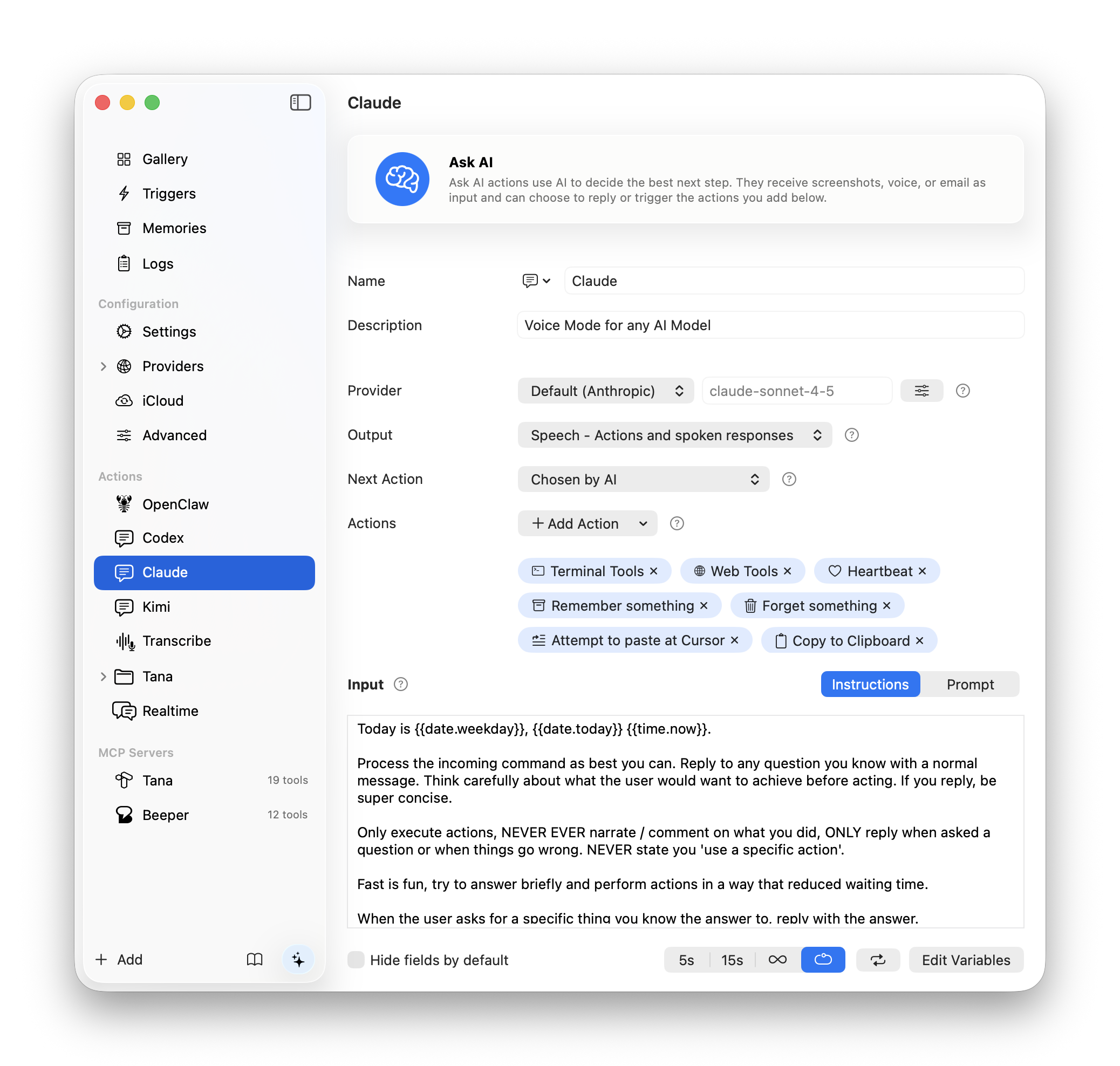
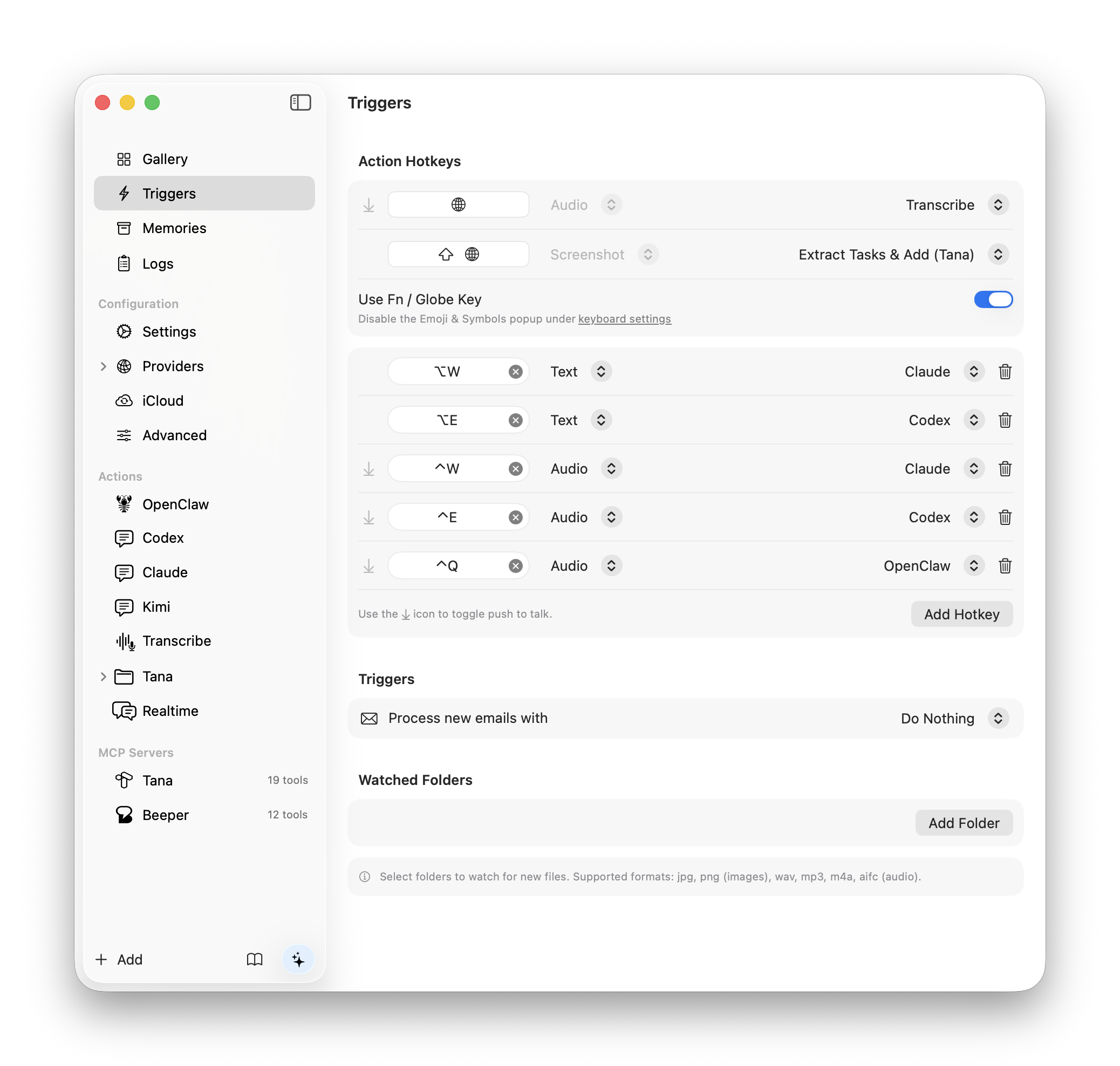
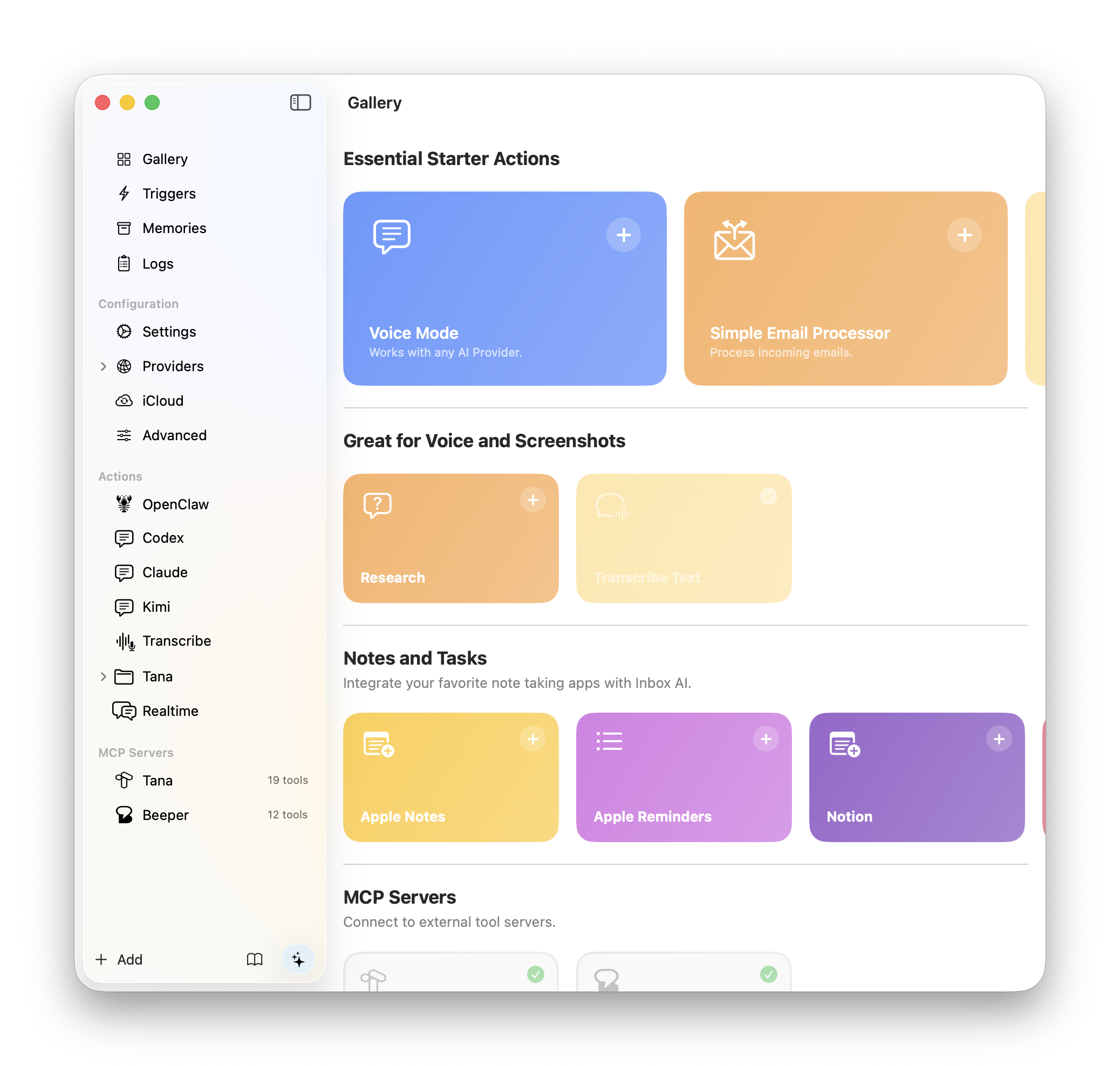
Have conversations with AI, automate tasks, process your emails, and capture information — all through voice or text, powered by 13+ AI providers.
Need help? Join the Slack community or check manual.
No recurring fees. 7 day trial. Bring your own API keys or use free local on-device AI. Download now.
Find more video's on YouTube
Siri meets Zapier. Build custom AI-Powered assistants that can answer questions and perform actions for you like:
Press a hotkey to start a voice conversation or open a chat window. Ask questions, capture ideas, or trigger complex workflows — connected to your screen, your files, and all your tools.
Automatically flag critical messages and filter out noise. Extract tasks and send them to your favorite apps like Notion, Obsidian, or Tana. Built right into Apple Mail, fully on-device.
Create commands like "Reply to this Slack message" or build entire voice assistants.
Select anything on your screen, process it with AI, and send it to your favorite apps.
Filter junk, extract tasks and more. On device, no login required.
Trigger Shortcuts, or any other app that supports x-callback-urls.
Open a chat window, type your request, and let AI handle the rest.
Drop files into a folder and trigger actions automatically. Supports images and audio.
From cloud powerhouses to fully local on-device models. Use Claude, GPT, Gemini, Groq, DeepSeek, xAI, or run Ollama and LM Studio privately on your Mac. Your keys, your choice.
Built AI conversational agents that can see and interact with your content.
Use AI to summarize, analyze, or extract. And, give it powerful tools.
Guide your AI by asking it multiple-choice questions.
Run multiple actions at the same time, sequentially or simultaneously.
Connect to Model Context Protocol servers and give your AI access to external tools — databases, APIs, file systems, and more.
Flag, color, or move messages to the Archive, Junk, or Trash folder.
Output tasks directly to the Apple Reminders app.
Copy output directly onto your clipboard.
Send notifications to see what is happening.
Execute any macOS Shortcut and pass parameters from your AI workflow.
Use APIs, terminal commands, MCP servers, or macOS Shortcuts.
Your data, your choice.
Use any API and handle the response with another action.
Run terminal commands and handle their output with another action.
Search the web with Brave Search and feed results into your AI actions.
Fetch any webpage, convert it to text, and process it with AI.